IFTTT, aka If This Then That, is an app that can automate various tasks. You can use it to control smart devices, features of the phone, etc. IFTTT connects your account with third-party services you’re currently using or planning to use. As of today, it supports 600+ third-party applications, which include AI-powered personal assistant apps such as Apple Siri, Amazon Alexa, Google Assistant, etc.
IFTTT review
Getting Started
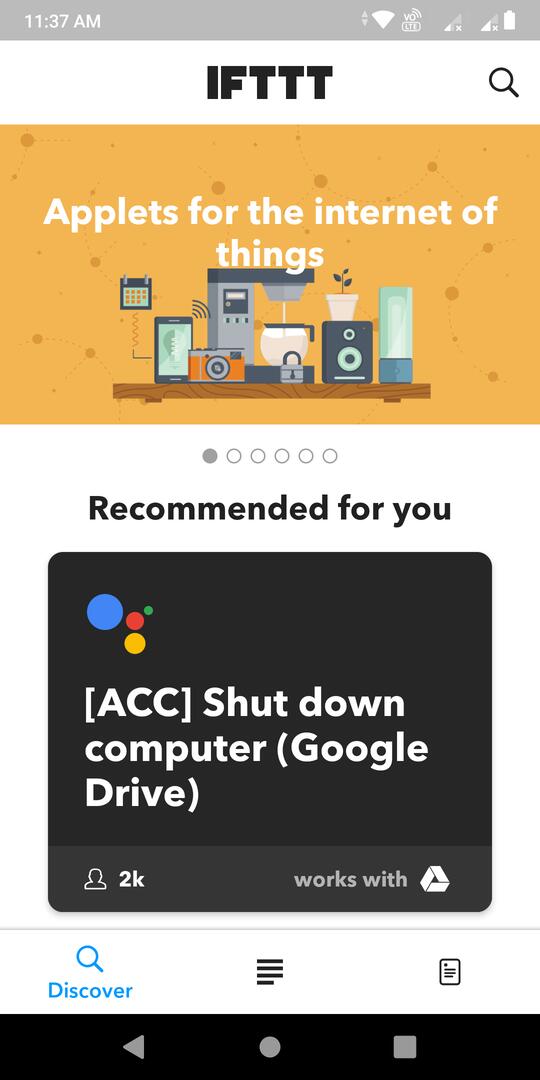
To use IFTTT, you must either create a new IFTTT account or sign in with your Google or Facebook account. The app’s main interface is divided into three sections – Discover, Activity, and My Applets.
Discover
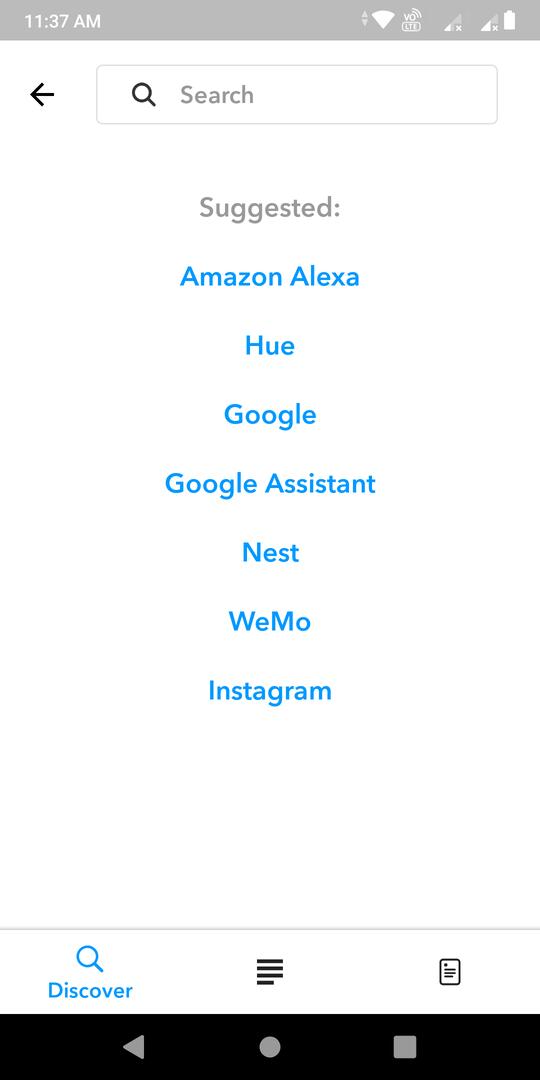
Here, you’ll find a category slider, a search utility, and a list of applets. The slider will be updated with new categories when you switch from the Activity or My Applets interface to the Discover interface. An Applet in IFTTT is a tool/module that connects two different third-party services together. One service queries another service. When the service responds, the applet will trigger an action.
Example: While automating tasks, IFTTT displays a list of supported applications. You must choose the service/app you’re using. When you do so, IFTTT displays a popup box that asks you to allow the third-party app to read your IFTTT data. Once you grant this permission, the app will ask you to choose another service from the list. When you select the 2nd service, the Applet will continuously read data from service 1 and trigger an action when a specific condition is met.
IFTTT gives you free access to 100s of applets. In case you don’t find an applet in the list, use the search tool or the category slider to find it. You can also create a new applet in this app.
Creating a custom applet
Many of us use RSS reader apps to read the news. Although you may be interested only in sports, entertainment, political, or crime news, the app will fetch each story published on the news portal and display the same on its interface.
If you don’t find the stories interesting, you may filter the news by entering a word in the RSS reader’s search box. This is a waste of time. Let’s create a custom applet that automatically sends news containing specific terms to the inbox.
How to create an applet in IFTTT?
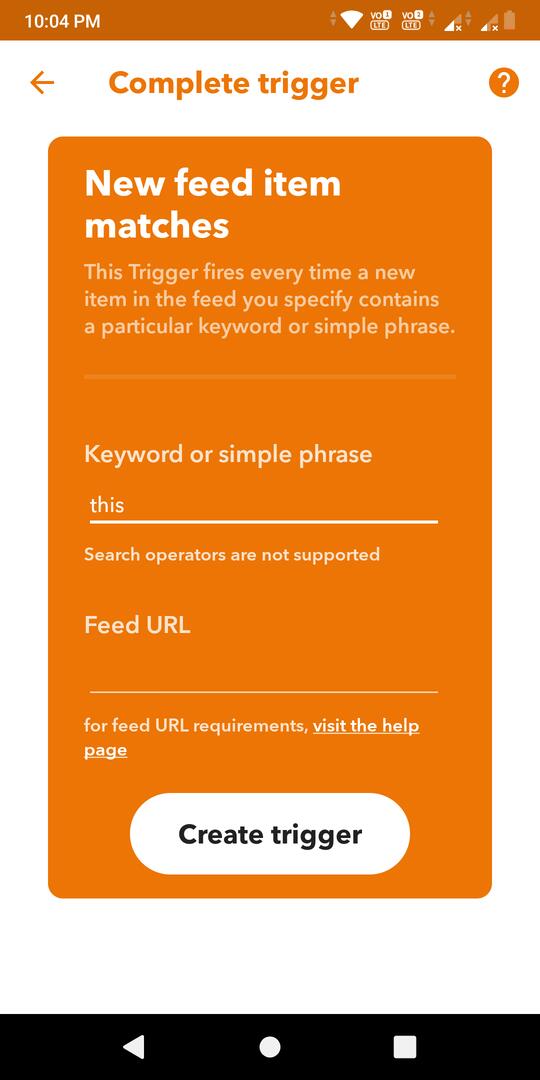
Tap the My Applets tab. You’ll now see a plus sign icon at the top right corner of the phone’s screen. Tap this icon. The IFTTT app will now display “If This Then That” text on the screen and a blue-colored button. Tap this button and enter the word “RSS” in the search box displayed on the screen. Now, select the RSS option. You’ll now see the following two buttons:
- New feed item.
- New feed item matches.
Tap the 2nd button and enter the keywords and the feed URL in the text boxes. Tap the “Create trigger” button. IFTTT will now display the “If This Then That” text and the blue button. Before selecting the RSS option, the blue button was alongside the word “this”. Now, the button will be next to the word “that”. Tap the button and select your email service provider from the list. IFTTT will now ask you to connect the applet to your email account. Tap the “Connect” button. That’s it!
Must see: Best email apps for Android
Activity
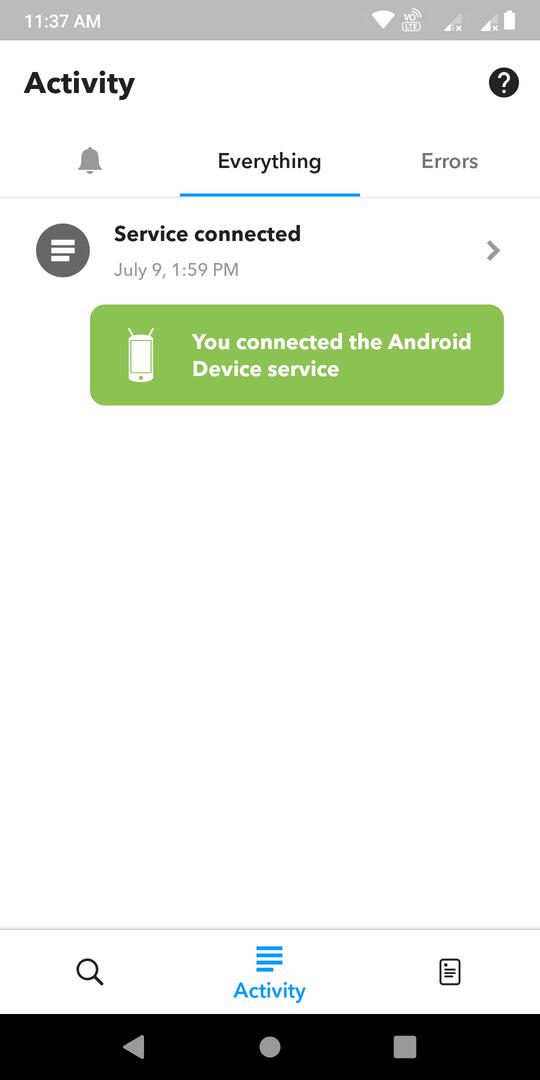
Once you connect your IFTTT account to a service, you can easily disconnect or delete the service from this interface. If the applet isn’t working as per your expectations, you can find the reason for its abnormal behavior by navigating to the “Errors” section of the Activity interface.
My Applets
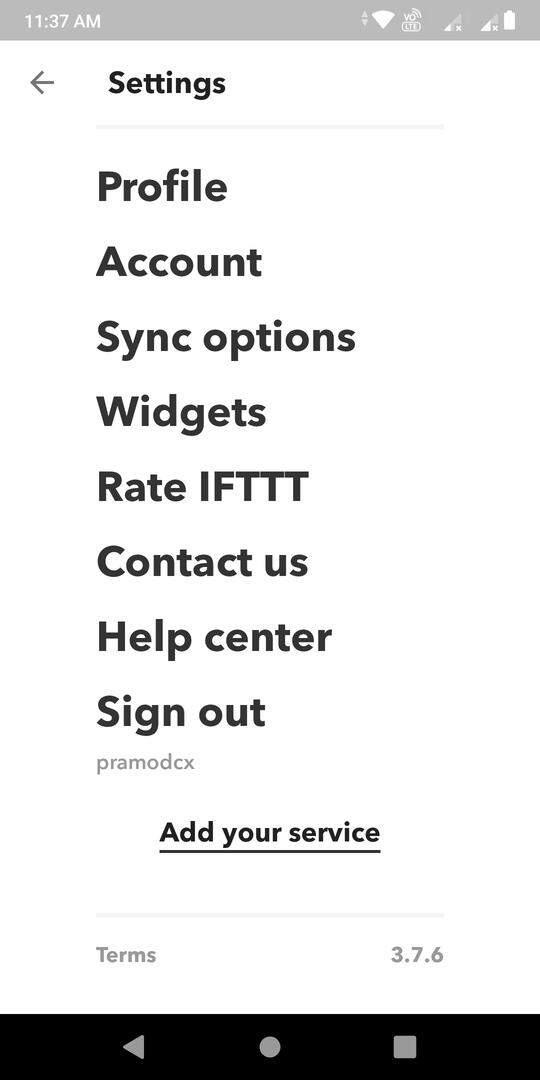
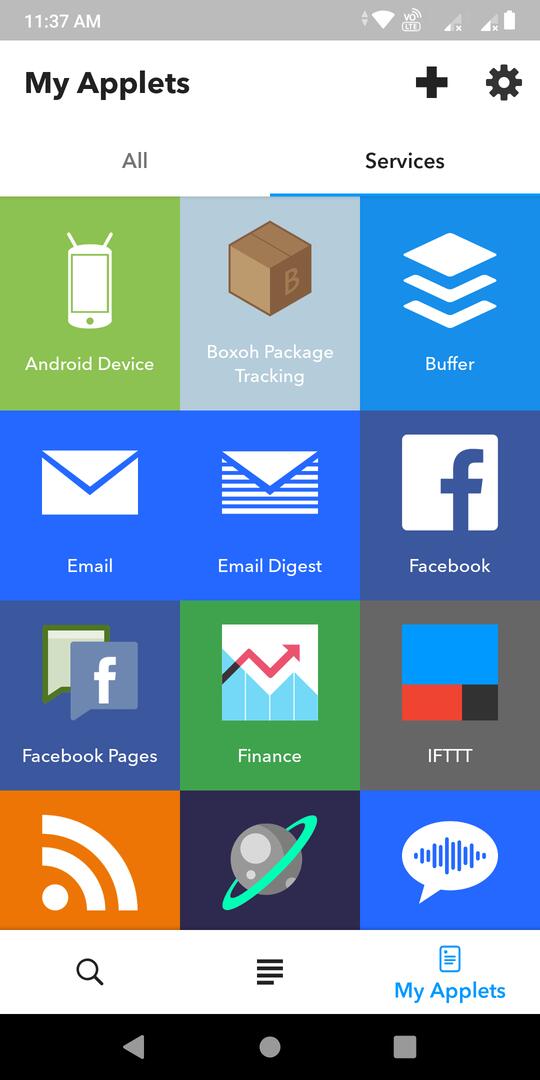
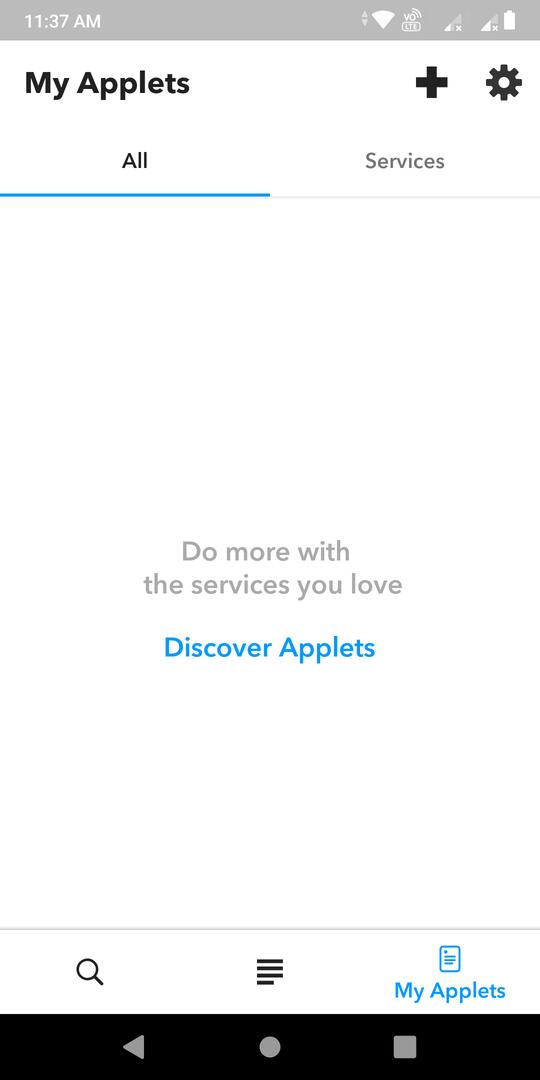
This interface of the IFTTT app enables users to manage the applets they are using. It also displays an option to create a new applet and open the settings interface.
Other features of IFTTT
The IFTTT app’s settings interface allows you to change your account’s password and username. It also enables you to manage the applet widgets that you’ve placed on your phone’s home screen. The Accounts section of the settings interface has the following two important options:
Enable 2FA
If you’re using a weak password, your account might be hacked. If you don’t want to change the password, make sure you enable the Two-Step Authentication to keep your IFTTT account safe.
Delete/Export data
IFTTT enables you to delete your account permanently. If you are deactivating/deleting your account for a temporary duration, use the “Export Data” option to back up your IFTTT settings/applets, etc.
Screenshots

Pros
- Managing services and applets is easy.
- No advertisements.
- Excellent design.
Cons
There’s no guarantee that the applet will work. I used the test notification applet to see whether it worked or not. The applet displayed the notification when I enabled it. But when I disabled the applet and re-enabled it, it didn’t work.
Also see: Best news apps